Product Description
Keyboard connection method:
1: Turn on the ON/OFF switch.
2: Press “CONNECT”, the indicator of the Bluetooth logo will flash.
3: Turn on the Bluetooth switch of the tablet/smartphone, search for Bluetooth Keyboard.
4: Click the “Bluetooth Keyboard” on the tablet/smartphone to connect.
Note: The keyboard cannot be connected to two devices at the same time. Therefore, if you want to replace another device, you must first disconnect the pairing connection of the original device.
Product Specifications:
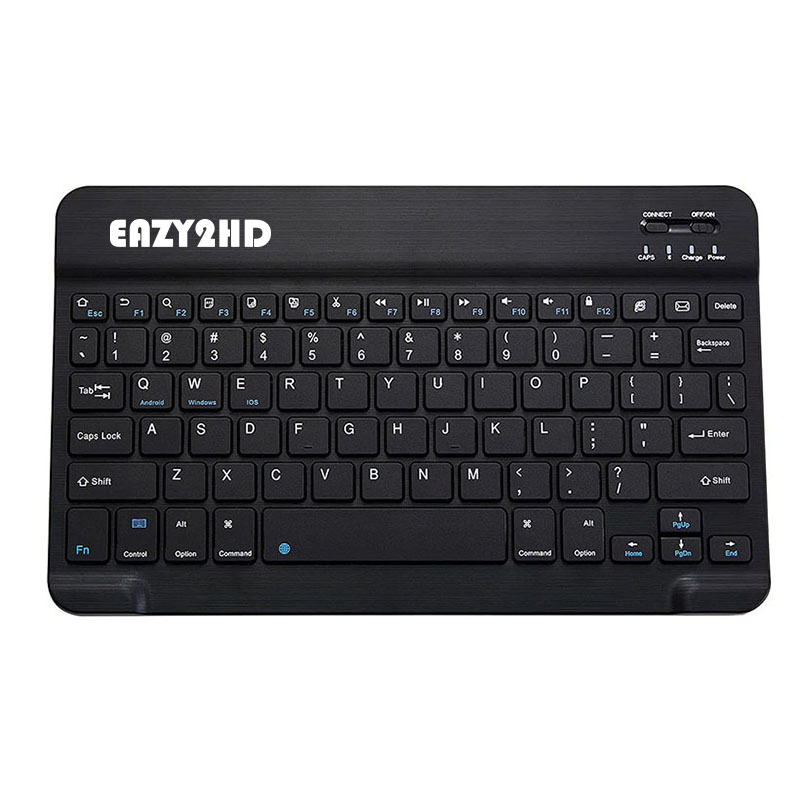
Keyboard Layout: US QWERTY
Bluetooth Version: Bluetooth
Buttons: 78 keys
Working Range: Up to 10 meters
Material: ABS +Aluminum alloy
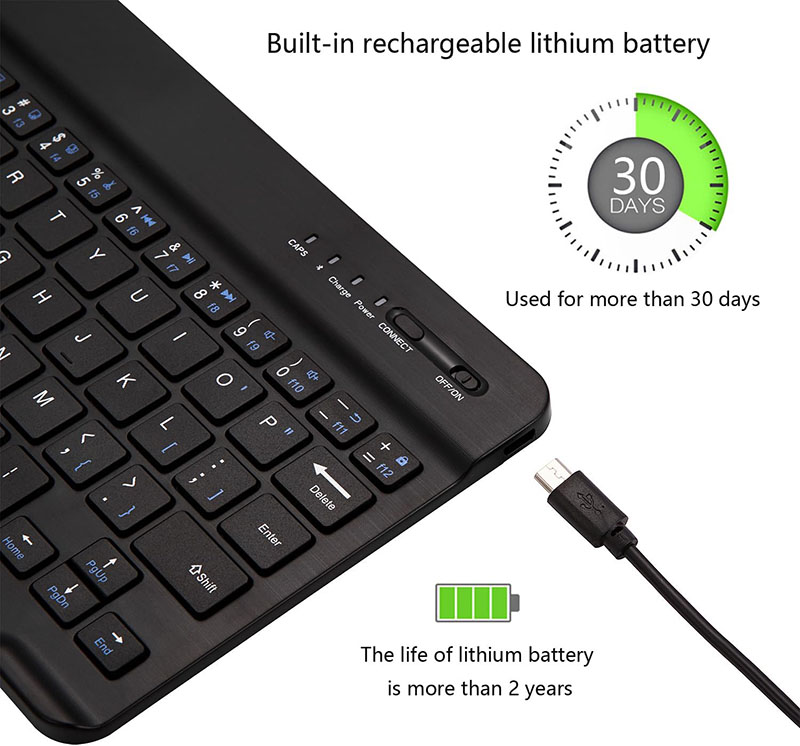
Charging Interface: Type-C
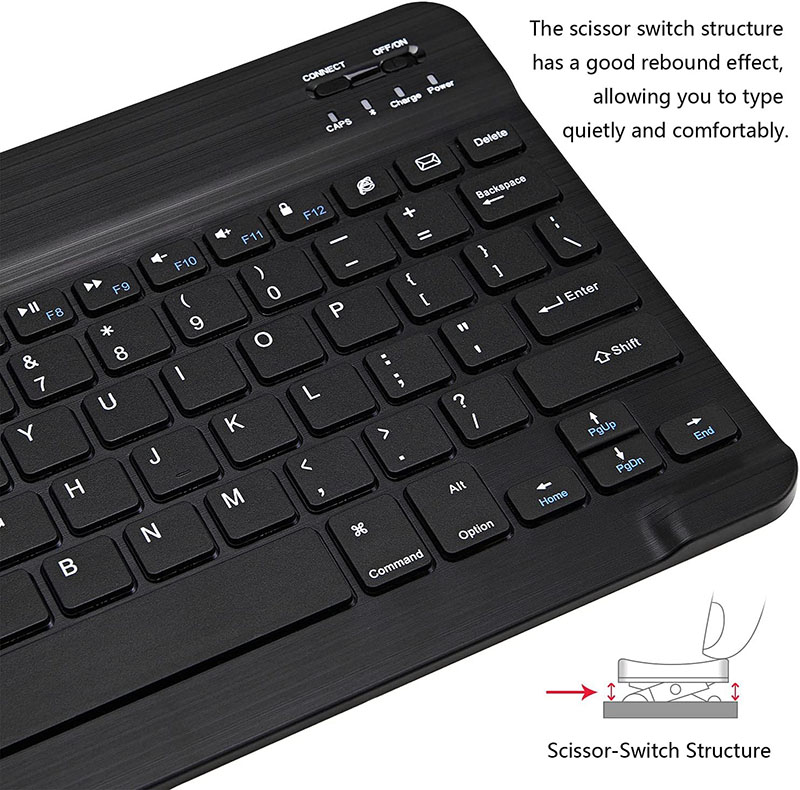
Hot Keys: Fn + F function key
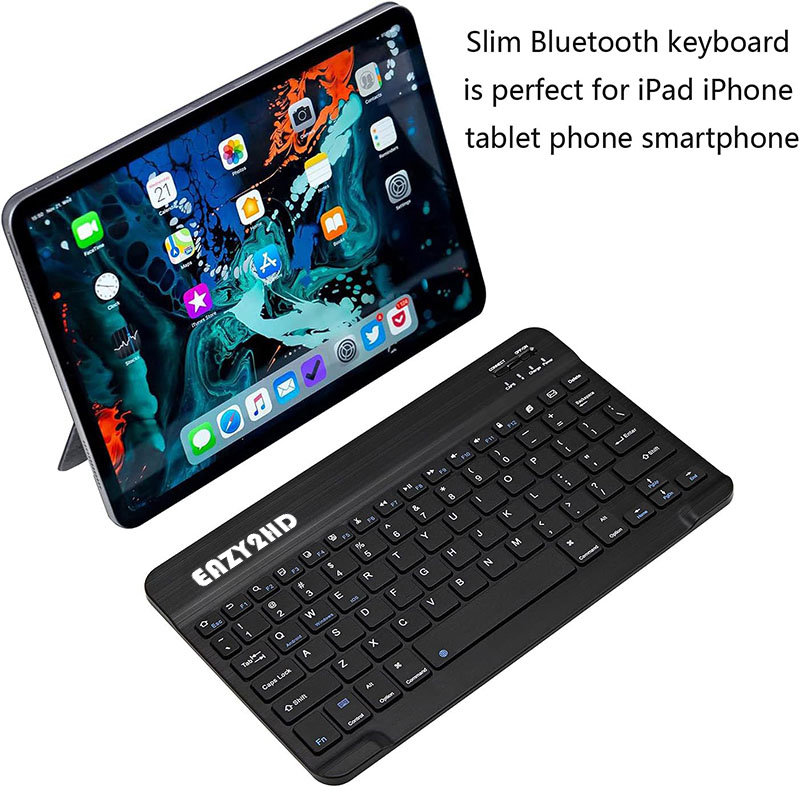
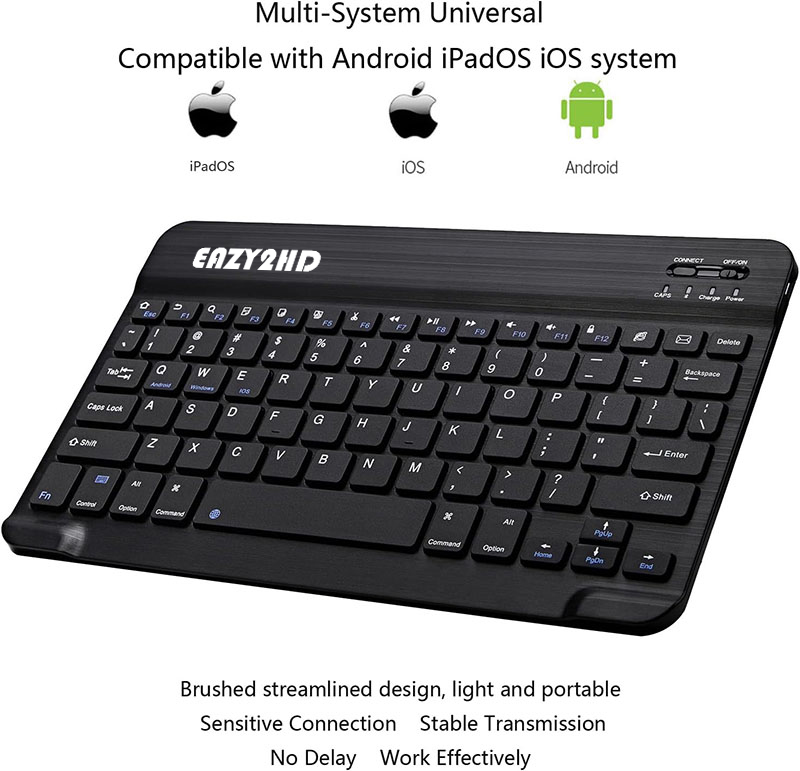
Wide Compatibility: Compatible with Apple iPhone iPad Android tablet phone smartphone.【Note: It may not be possible to connect to the device via the Bluetooth adapter.】
Compatible with iPad such as iPad 11th (A16) 10th 9th 8th 7th Gen, iPad Pro 13in M4, iPad Pro 12.9 inch 3rd 4th 5th 6th gen, iPad Pro 11 inch M4 4th 3rd 2nd 1st generation, iPad Air M3 M2 5th 4th gen, iPad mini 5/ 6/ 7, iPhone 16 15 14 13 Pro Max Plus.
Compatible with Android Samsung Galaxy Tab Lenovo tablet smartphone etc.
Package including:
1 * Bluetooth Keyboard
1 * Type-C Charging Cable